Advanced Settings provide access to technical configurations that control various features and functions within StoreLIVE. To prevent unauthorized changes, access to these settings is restricted by an advanced password. Changes should be made with caution, as incorrect configurations may lead to unintended behavior or the disruption of important system functions. It is recommended that modifications only be made under the guidance of Good’s Technology Services.
Advanced Settings are organized into three tabs: POS Settings, Manager Settings, and Setting Groups.
-
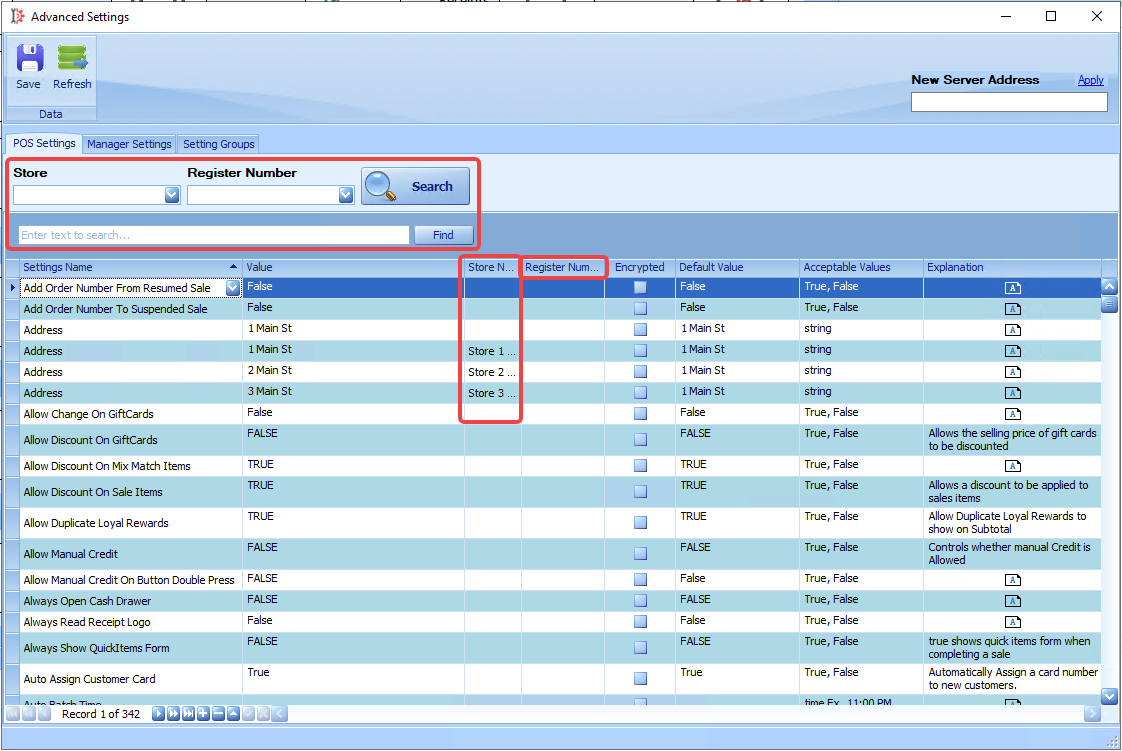
The POS Settings tab contains advanced configuration options for Point-of-Sale operations. These settings can be applied globally across all stores or configured for specific stores and/or individual registers. They can be filtered by store, register number, and/or keyword.
-
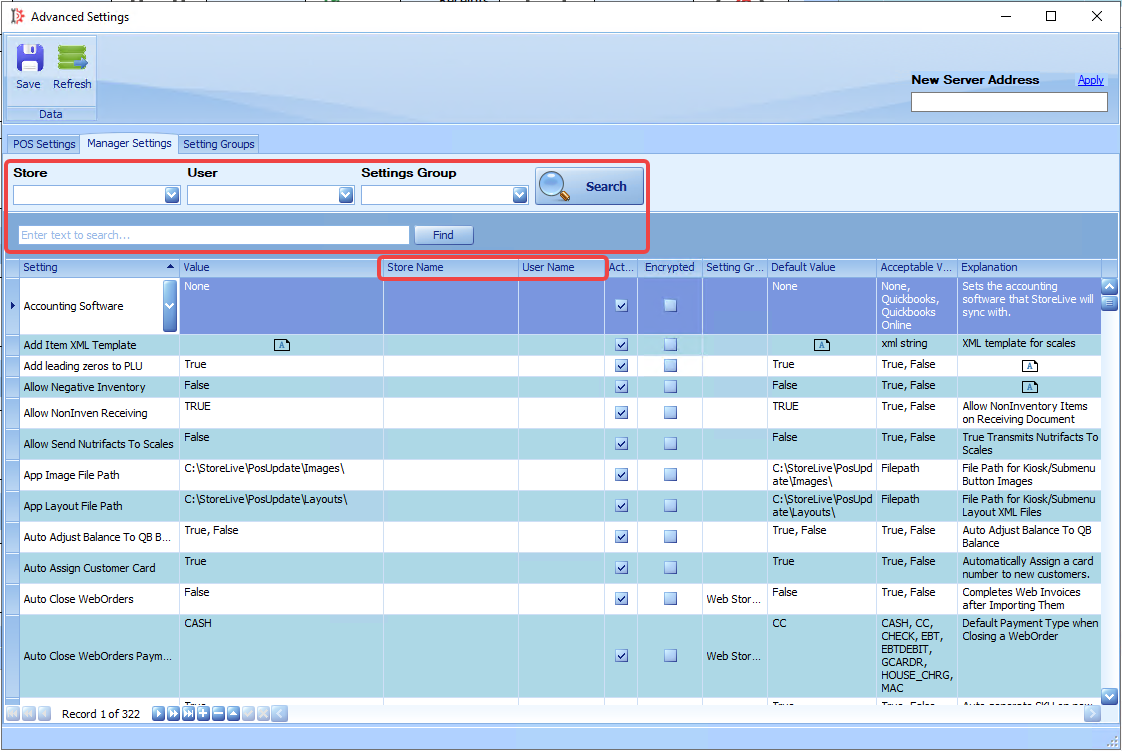
The Manager Settings tab includes advanced configuration options specific to StoreLIVE Manager. These settings can be applied globally or configured for specific stores and/or individual users. They can be filtered by store number, user, group, and/or keyword.
-
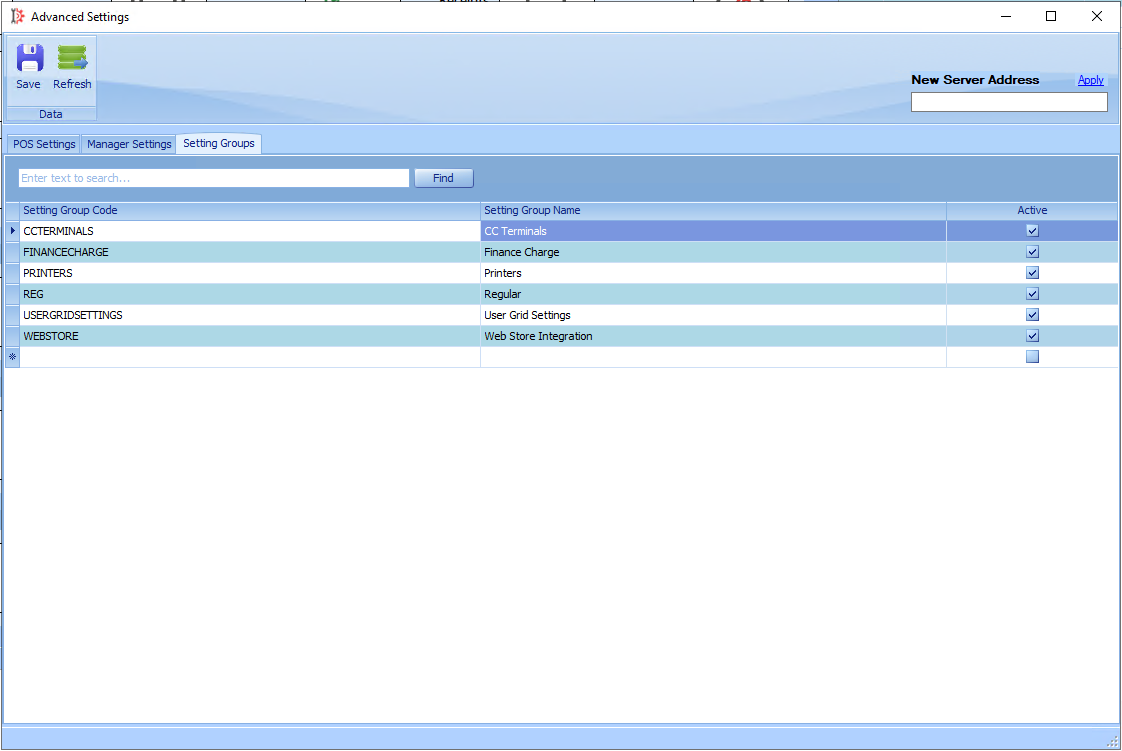
The Setting Groups tab allows for the creation and management of groups used to organize settings, making them easier to sort and filter.