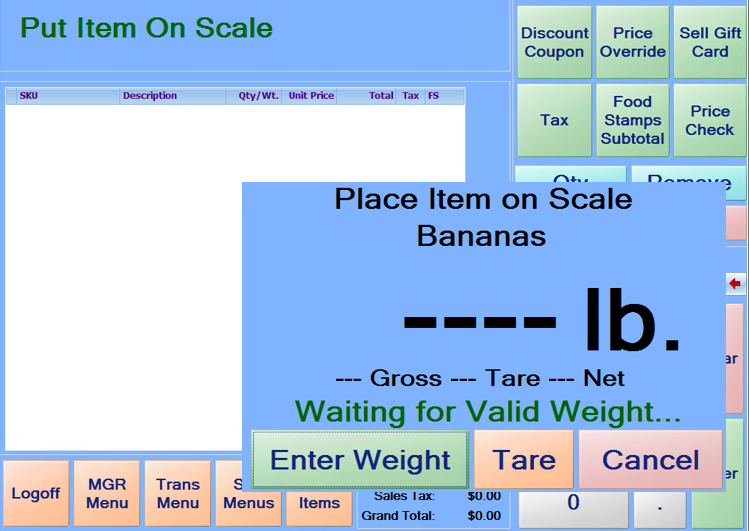
Items that are setup on the StoreLIVE! Manager database as “Weigh at POS” items will prompt for a weight when they are scanned/entered at the register. If a scale is attached to the register, the item can be put on the scale before or after the item number is scanned or entered, and the system will read the weight from the scale and add the item. Alternately, a weight can be entered by manually keying in the weight using the on-screen keypad. The weight is reflected in the Quantity field of the item once it is added to the sale.