
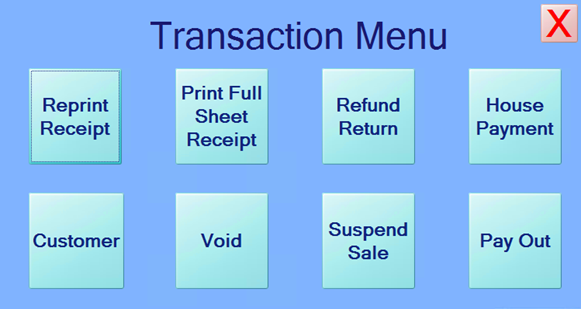
Customers may pay their charge accounts by submitting payments at the register. This may be done as a standalone transaction or as part of a transaction where other items are purchased. To submit a “House Payment”, press the Trans Menu button, and on the Transaction Menu screen, press the House Payment button.
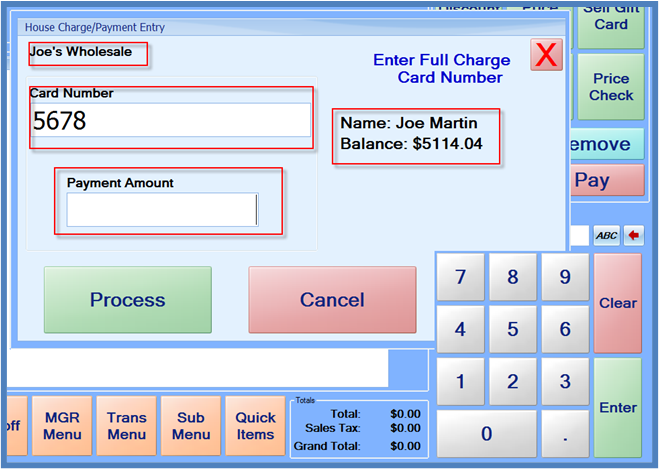
When the House Charge/Payment entry screen appears, enter the customer card number and press Enter. The customer’s name, the customer card name, and the balance amount will appear on the screen. In the Payment Amount box, enter the amount the customer is paying towards their account, and press the Process button.
After the payment verifies, a “House Payment” line item will be added to the sale. Additional items can be added to the sale if needed, and the transaction can then be completed like a normal sales transaction.