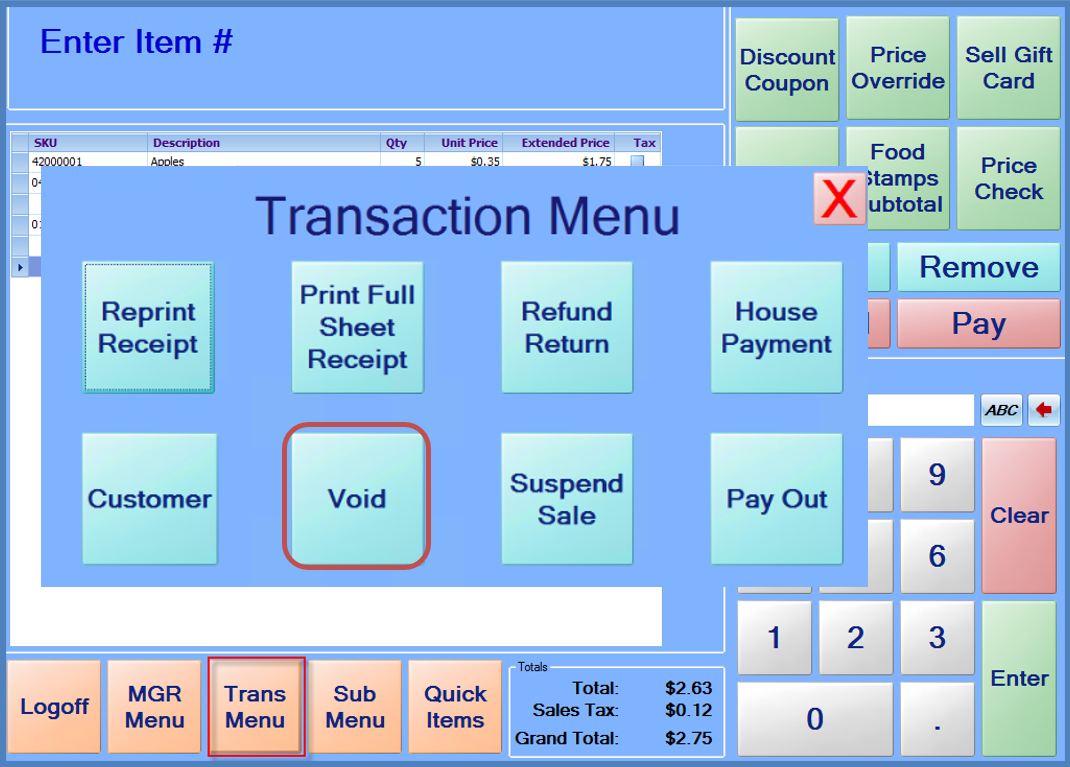
Sometimes it may be necessary to void a sale. Sales may be voided at any time before payments are entered. To void a sale, press the “Trans Menu” button, and then press the Void button. After pressing void, the system clears the items from the current sale and resets to start a new sale.
Note: For security purposes, StoreLIVE! Manager will have a record of voided sales, but items entered on a voided sale are not included on overall sales and transactions reports.