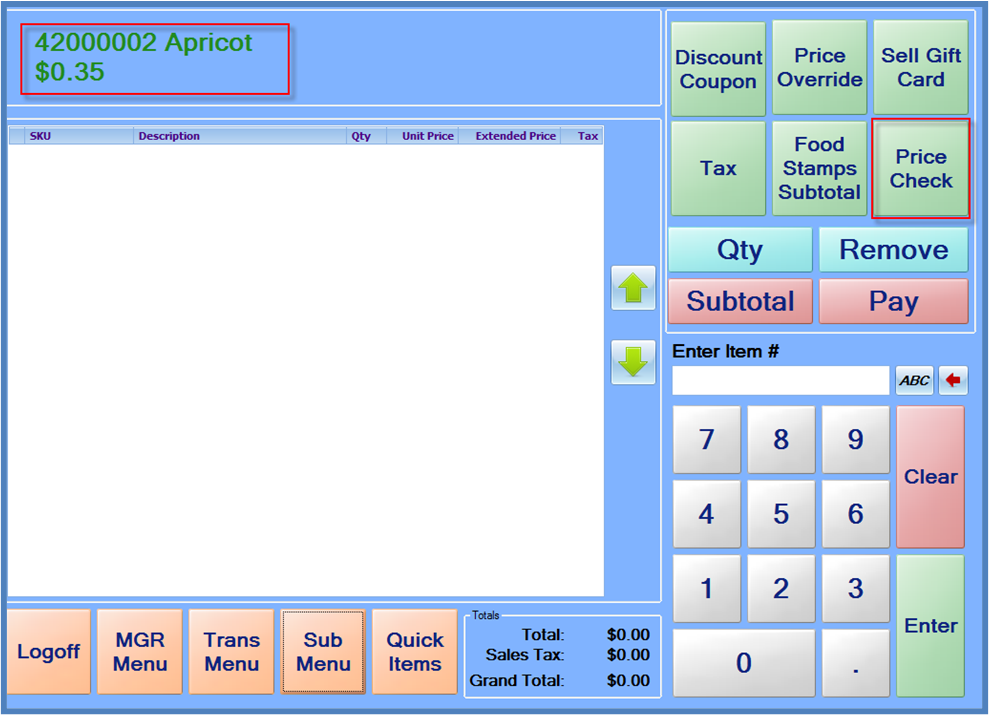
The price of an item can be checked without adding it to the sale. This is useful if customers inquire about the price of an item before making a decision if they wish to purchase it. To check the price of an item, press the Price Check button, and either scan the item or enter the item number. The item number, description and current price will display on the top left portion of the screen.