
If a customer pays part of the cost in a certain tender, that partial payment can be removed.
When you are in the payment screen, you will see a red button, “Remove Payments” beside the Previous Payments window.
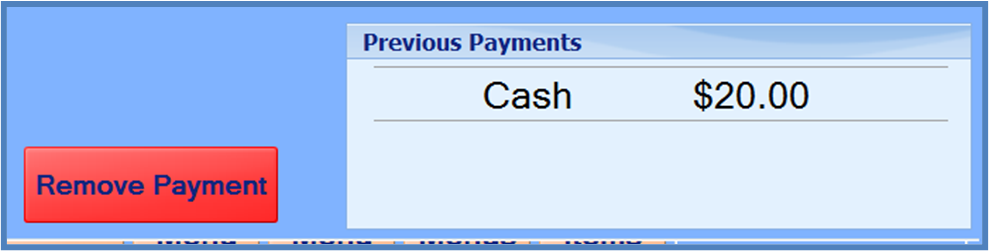
Selecting “Remove Payments” will remove the payment.
Note: Transactions cannot be voided while a partial payment is recorded.
Payments such as cash and check can be removed, but payments that have already been processed externally, such as a credit card payment, cannot be removed.