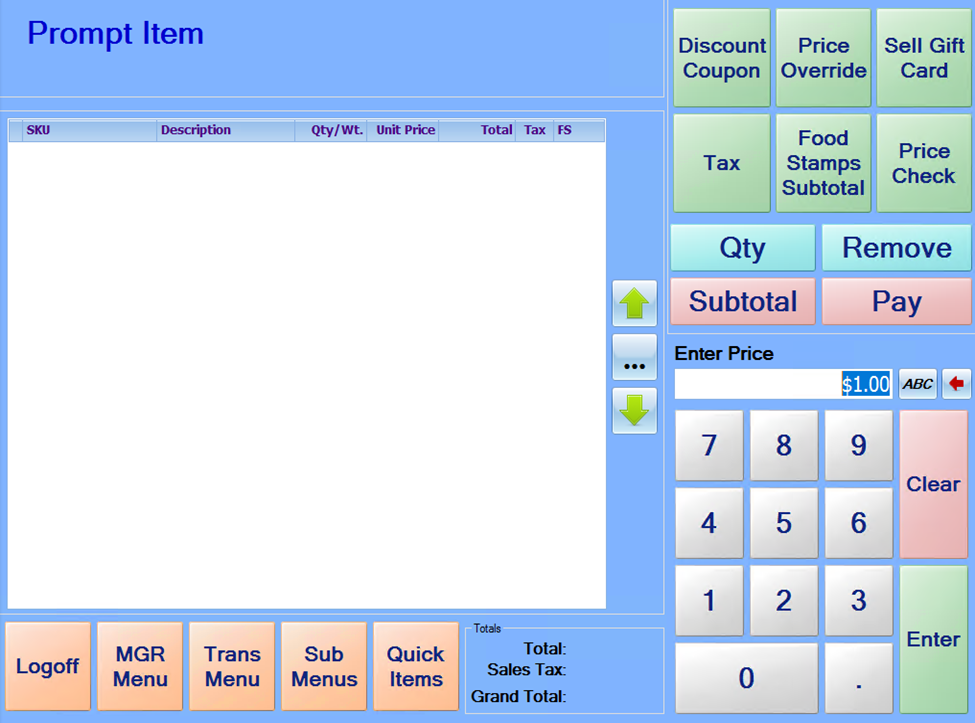
Items can be set up in the StoreLive! Manager database as “Prompt for Price” items. When one of these items is scanned or entered, the item name will be displayed at the top, and the system will prompt the cashier to enter the item price. If a regular selling price is set up in the system for the item, it will display this price in the entry field. The cashier can either accept this price by pressing enter, or key in a new price for the item.
This can be useful when the same item is priced individually based on size or condition, and it’s not practical to set up unique item numbers in the system for each item/price combination.