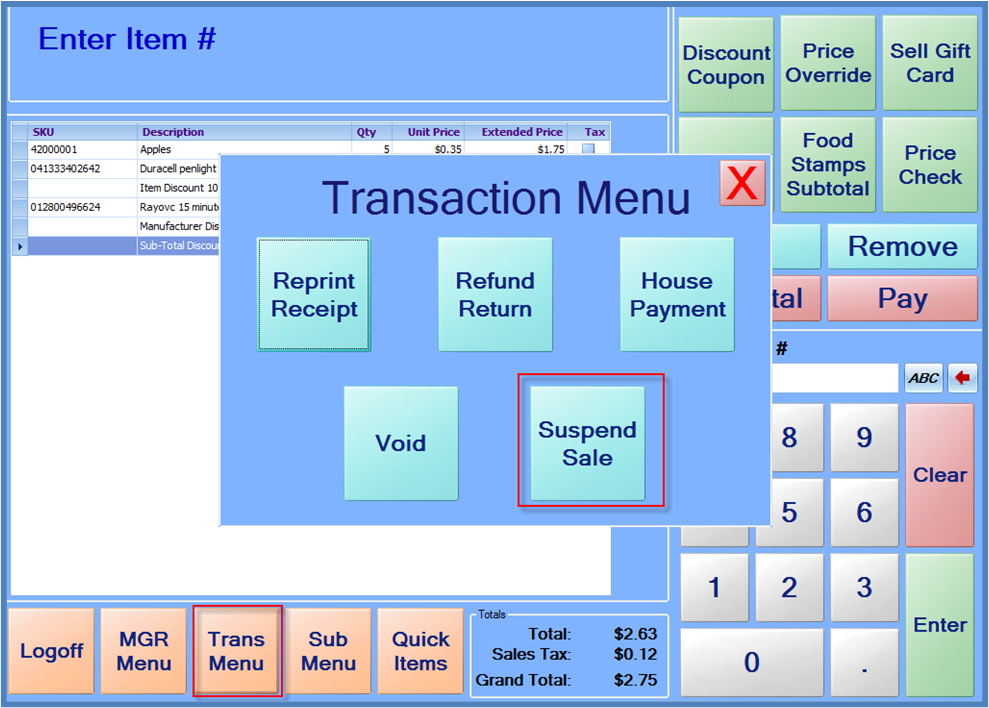
Sales may be suspended and then resumed at a later time. Sales may be suspended at any time before payments are entered. To suspend a sale, press the “Trans Menu” button, and then press the Suspend Sale button. A receipt will print, and the system will reset to begin a new sale.
To resume the sale, scan the barcode on the receipt or enter the full number printed below the barcode on the receipt. The sale items will reappear on the receipt, and more items can be added or payments can be entered.
Note: The suspend/resume feature is only available if the register is “online”. If a connection to the StoreLIVE! server is not available, suspends and resumes will not be available.