
Sometimes it may be necessary to “Post Void” a transaction. A Post Void is the equivalent of reversing a sale.
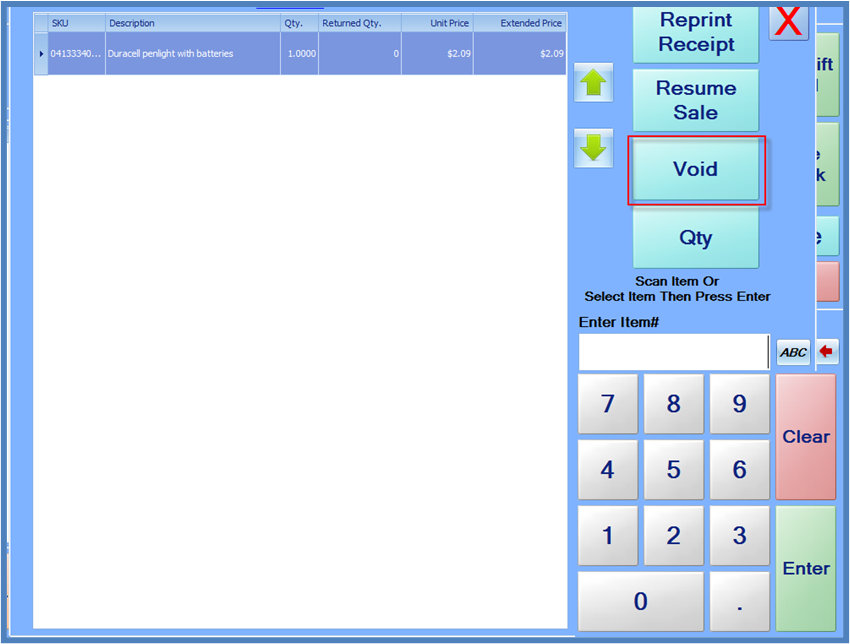
To Post Void a sale, either scan the barcode that is printed on the receipt footer, or use the on-screen keypad and enter the number that is printed below the barcode and press Enter. The POS system will load the sale from the server, and the Return screen will be displayed. Pressing the Void button on this screen will create “reverse” sale in the system, in which all the items are returned, and negative amounts are entered for the payments.
If the system is unable to automatically reverse the payment(s), which may be the case with card payments such as credit/debit/EBT, you may receive a failure message. At this point, you can still complete the Post Void, but you must manually process the return payments.