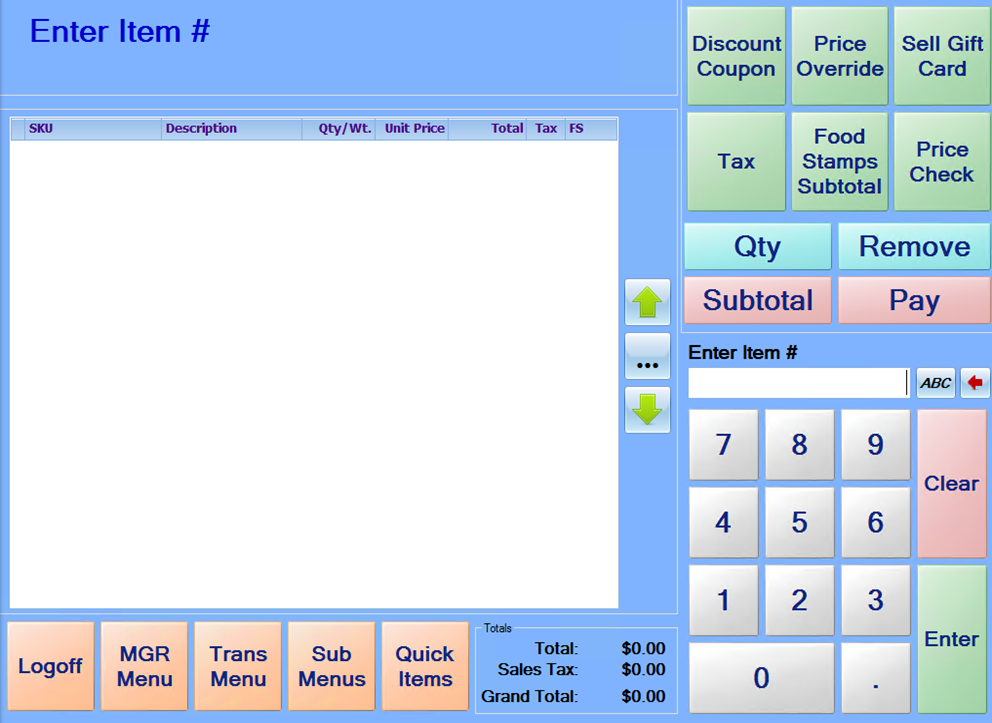
If a button or option is chosen incorrectly, most times this action can be canceled by pressing the Clear key. Also, after pressing the “Pay” or “Sub Total” keys, items are no longer allowed to be added to the sale. To resume adding items, press the Clear key until the “Enter Item #” prompts return. As a general recommendation, if a cashier is trying to perform an action and the system will not allow it, press the Clear key several times to ensure that the system returns to the normal sales mode.