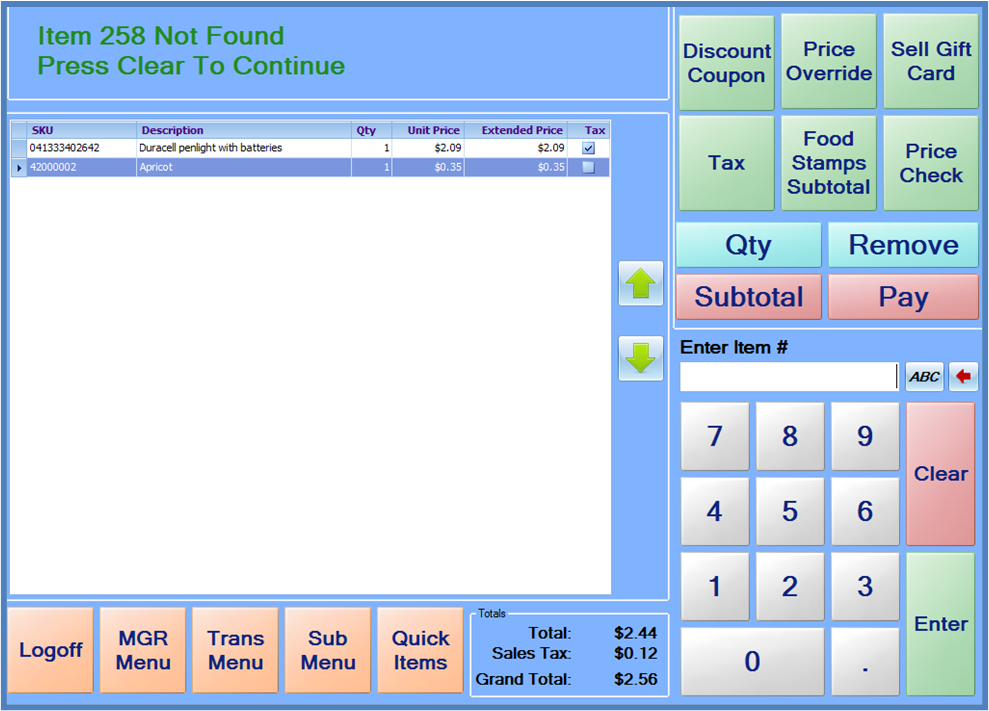
If an item is scanned or manually entered, and the item number/UPC does not match an item in the StoreLIVE! Manager database, an “Item Not Found” message will be displayed. The system will also give an audible tone. Additional items may not be added to the sale until the “Item Not Found” message is acknowledged by the cashier by pressing the Clear key. If additional items are scanned prior to pressing the Clear key, the system will continue to give a tone and display an “Invalid Input” message.